



Payment Providers
Self-Host Pro integrates with payment providers so you can sell your software and receive payments directly. When a customer completes a purchase, they automatically get access to your product.
Supported providers
- Stripe — Credit cards, subscriptions, global payments
- Lemon Squeezy — Merchant of record, handles taxes and compliance
More providers coming soon.
Stripe
Stripe is the most popular payment processor for software businesses. Self-Host Pro uses Stripe Connect so payments go directly to your Stripe account.
Connecting Stripe
During onboarding:
The onboarding flow prompts you to connect Stripe after creating your team. Click Connect Stripe to start the OAuth flow.
From team settings:
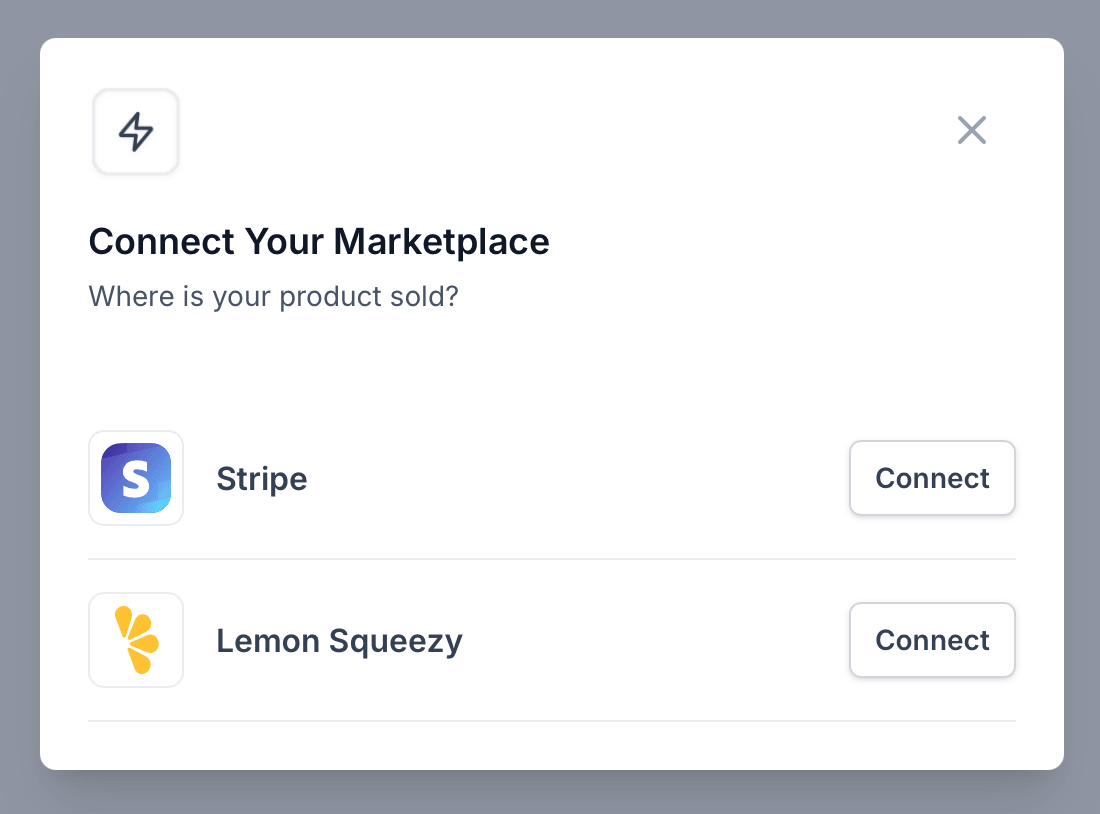
- Go to your team settings
- Find the Integrations section
- Click Connect Stripe
You'll be redirected to Stripe to authorize the connection. After authorization, your Stripe account is linked and you can start selling.
Creating Stripe products
Create products and prices in your Stripe Dashboard:
- Go to Products → Add product
- Set a name and description
- Add pricing:
- One-time — Customer pays once
- Recurring — Monthly or yearly subscription
Linking to your product variation
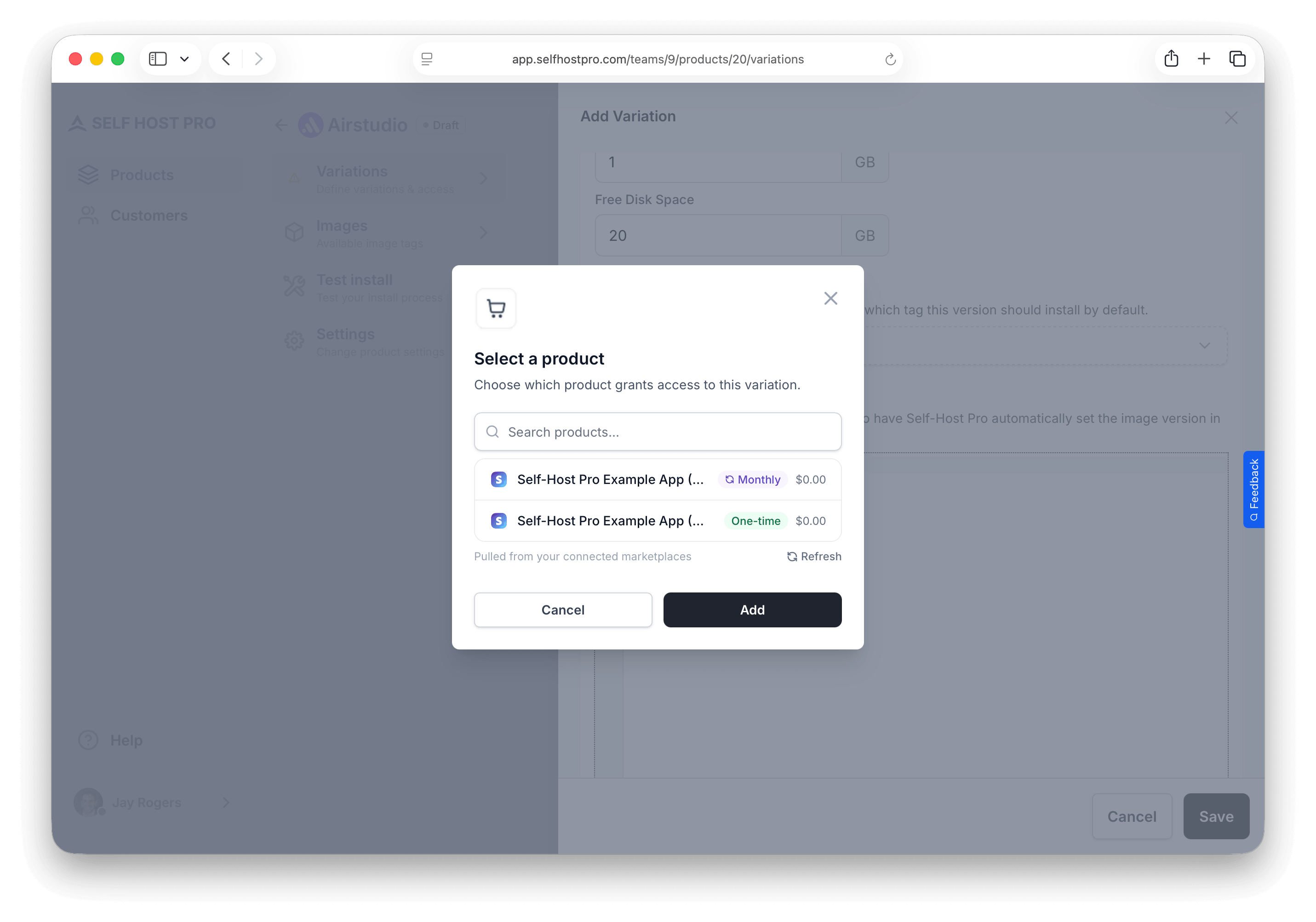
- Go to your product's Variations tab
- Edit the variation you want to sell
- Under Purchase Access, click Add Marketplace Product
- Select your Stripe integration
- Choose the Stripe product from the dropdown
- Set access duration for one-time products:
- Never expires — Customer keeps access until you revoke it
- Expire after X days — Access ends after that many days from purchase
For subscription products, choose the Stripe/Lemon Squeezy subscription price — access in Self-Host Pro follows the subscription lifecycle (no manual day count). See Variations.
How purchases work
- Customer completes Stripe checkout
- Stripe sends a webhook to Self-Host Pro
- Customer record is created (or matched by email)
- Customer gets access to the product
- Customer receives an email with a link to install
Subscriptions
For recurring subscriptions, Self-Host Pro listens to Stripe webhooks:
- Subscription created — Customer gains access
- Subscription renewed — Access continues
- Subscription canceled — Access is revoked
Disconnecting
To disconnect Stripe, go to team settings and click Disconnect on your Stripe integration.
Lemon Squeezy
Lemon Squeezy is a merchant of record platform — they handle payments, taxes, and compliance so you don't have to. This is useful if you want to sell globally without managing tax collection yourself.
Connecting Lemon Squeezy
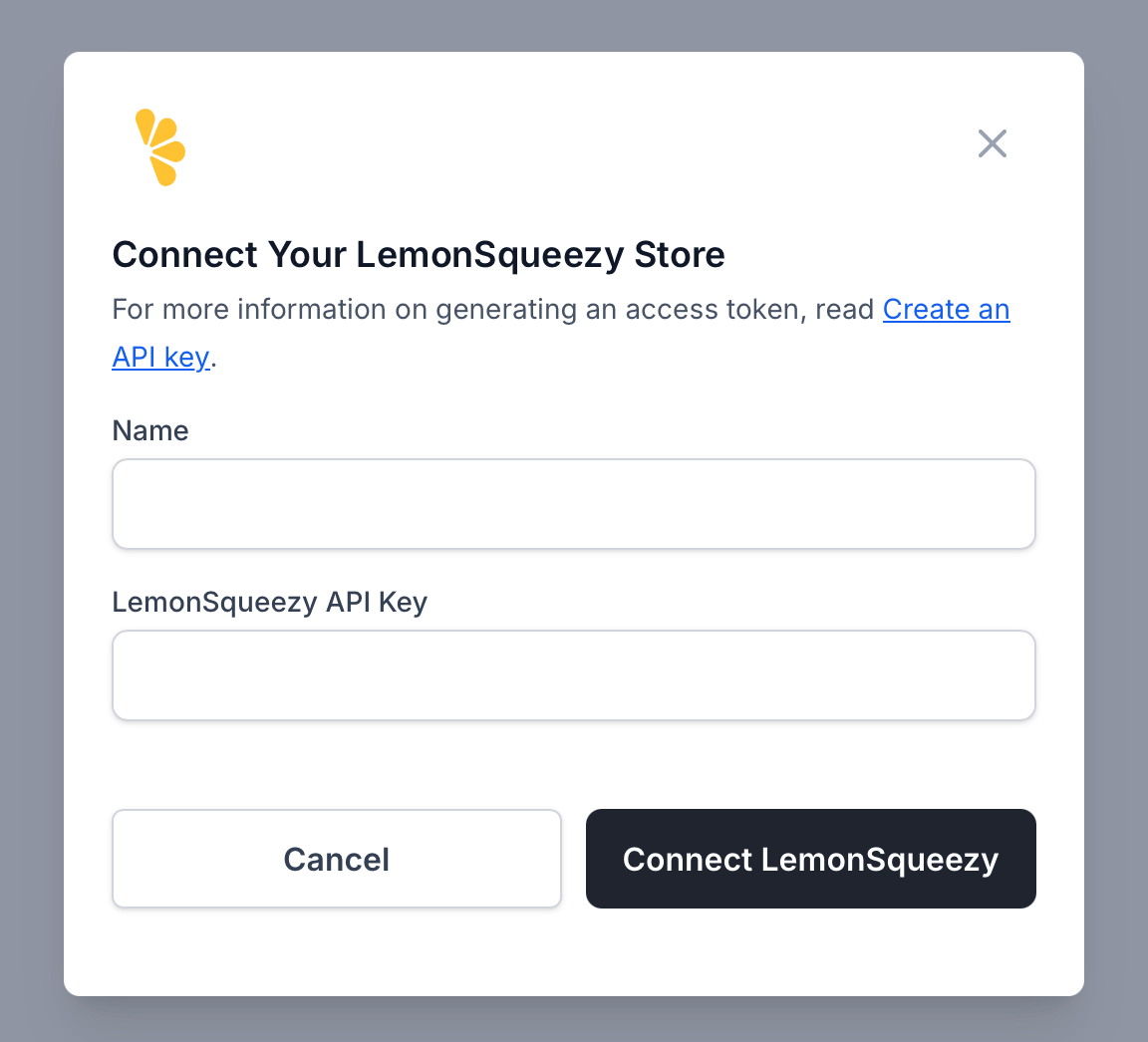
- Go to your team settings
- Find the Integrations section
- Click Connect Lemon Squeezy
- Enter a name for the integration (e.g., "My Store")
- Enter your Lemon Squeezy API key
To get your API key:
- Log in to Lemon Squeezy
- Go to Settings → API
- Create a new API key
- Copy the key and paste it into Self-Host Pro
Creating Lemon Squeezy products
Create products in your Lemon Squeezy Dashboard:
- Go to Products → New Product
- Set name, description, and pricing
- Configure as one-time or subscription
Linking to your product variation
- Go to your product's Variations tab
- Edit the variation you want to sell
- Under Purchase Access, click Add Marketplace Product
- Select your Lemon Squeezy integration
- Choose the product from the dropdown
- Set access duration — same as Stripe: Never expires or Expire after X days for one-time products; subscriptions follow the Lemon Squeezy subscription lifecycle
How purchases work
- Customer completes checkout on Lemon Squeezy
- Lemon Squeezy sends a webhook to Self-Host Pro
- Customer record is created (or matched by email)
- Customer gets access to the product
- Customer receives an email with a link to install
Subscriptions
For recurring subscriptions:
- Order created — Customer gains access
- Subscription updated — Access status updated
- Subscription expired — Access is revoked
Disconnecting
To disconnect, go to team settings and click Disconnect on your Lemon Squeezy integration.
Multiple providers
You can connect multiple payment providers and even link the same product variation to products from different providers. This lets you:
- Offer customers payment choice
- Sell through different channels
- Test providers before switching
For one-time products, each marketplace link can have its own access duration. Subscription products do not use a day count in Self-Host Pro — access tracks the subscription.
Pricing strategies
One-time purchase with lifetime access
- Set a one-time price in your payment provider
- In Self-Host Pro, set access to Never expires
- Customer pays once and keeps registry access until you revoke it or they lose eligibility in your payment provider
One-time purchase with a fixed access window
- Set a one-time price (for example an annual license sold as a single charge)
- In Self-Host Pro, set Expire after X days (for example 365 for one year)
- When the period ends, registry access ends unless you sell a renewal or another product that extends access
Recurring subscriptions (monthly or yearly)
- Create a recurring price in Stripe or Lemon Squeezy
- Link that product to your variation — Self-Host Pro syncs access to the subscription (created, renewed, canceled)
- Do not set a manual “expire after 30/365 days” for subscription listings; duration is driven by the provider’s subscription state
Tiered pricing
Create multiple Stripe/Lemon Squeezy products at different price points, each linked to different variations:
- Basic → Links to your "Basic" variation
- Pro → Links to your "Pro" variation with more features
Test mode
Before going live, test the full purchase flow:
- Use your payment provider's test mode
- Create test products
- Link them in Self-Host Pro
- Make test purchases
- Verify customers get access and can install
When ready, create live products and update your marketplace product links.